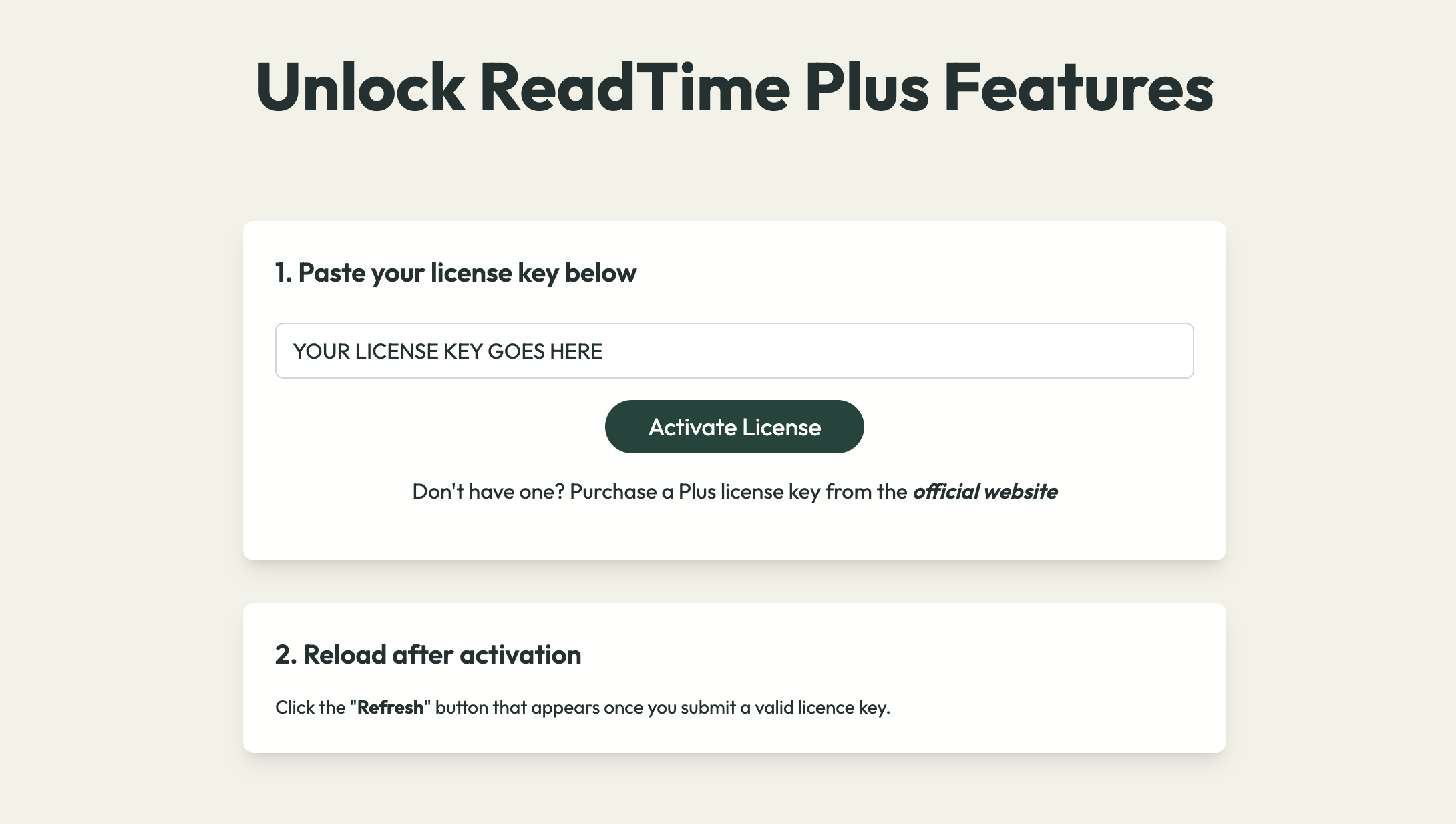
Congratulations on upgrading to ReadTime Plus!
Follow the below instructions to unlock ReadTime Plus features.
1. Copy your ReadTime Plus license key
—
*You should have also received an email with this license key.
2. If you haven’t already installed our free chrome extension, do it now by clicking below:
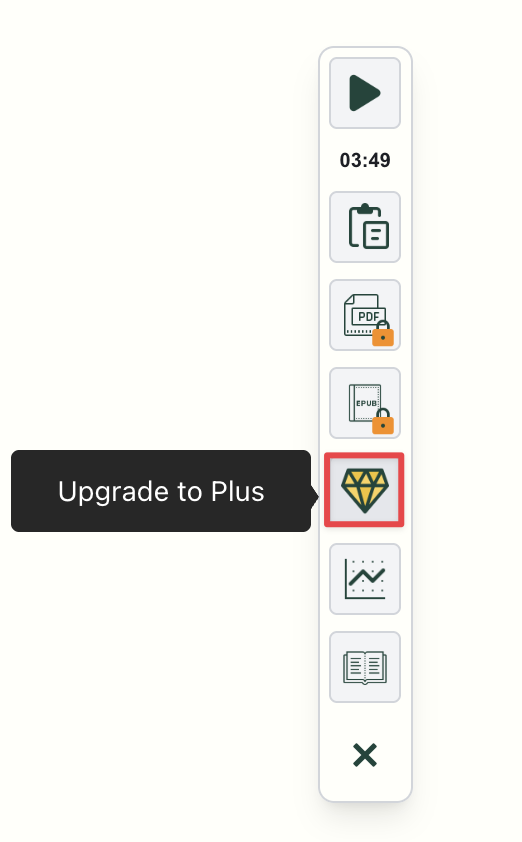
3. Once installed, launch the extension and click the diamond icon in the popup menu.
4. Paste the license key, press “Activate license” & refresh browser to access PLUS features.