
Speed Reading & Listening Software for Chrome
Read upto 3x Faster with RSVP technology. Boost Comprehension with Text-to-Speech see demo
 Rated 4.9 in the Chrome Web Store
Words To Time Converter - Accurately estimate reading times for any reading material, text, speech or voice-over script.
Learn More
Improve focus & turbocharge your reading speed. In just 2 clicks, read & listen in perfect sync to accelerate through any text.
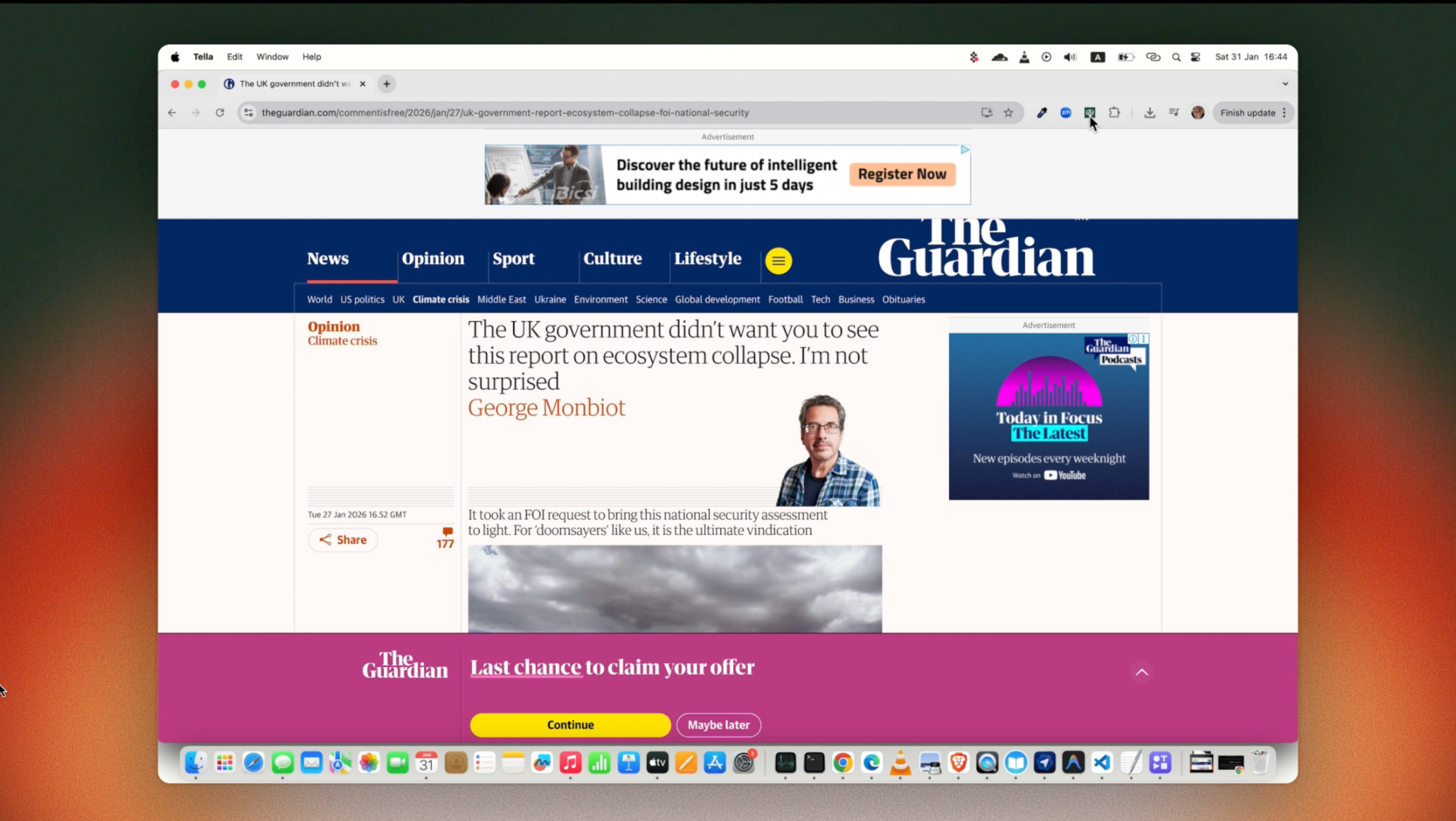
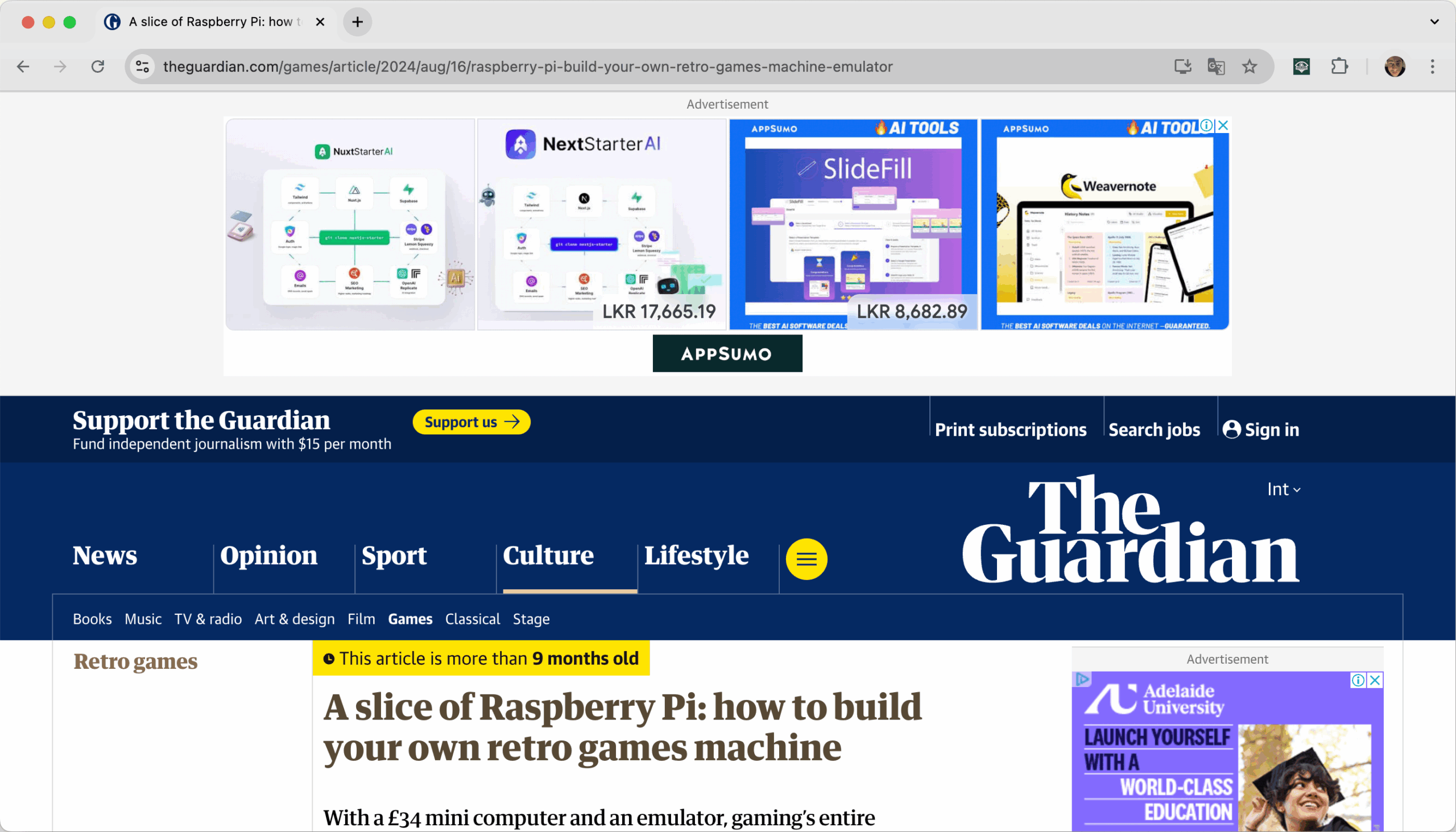
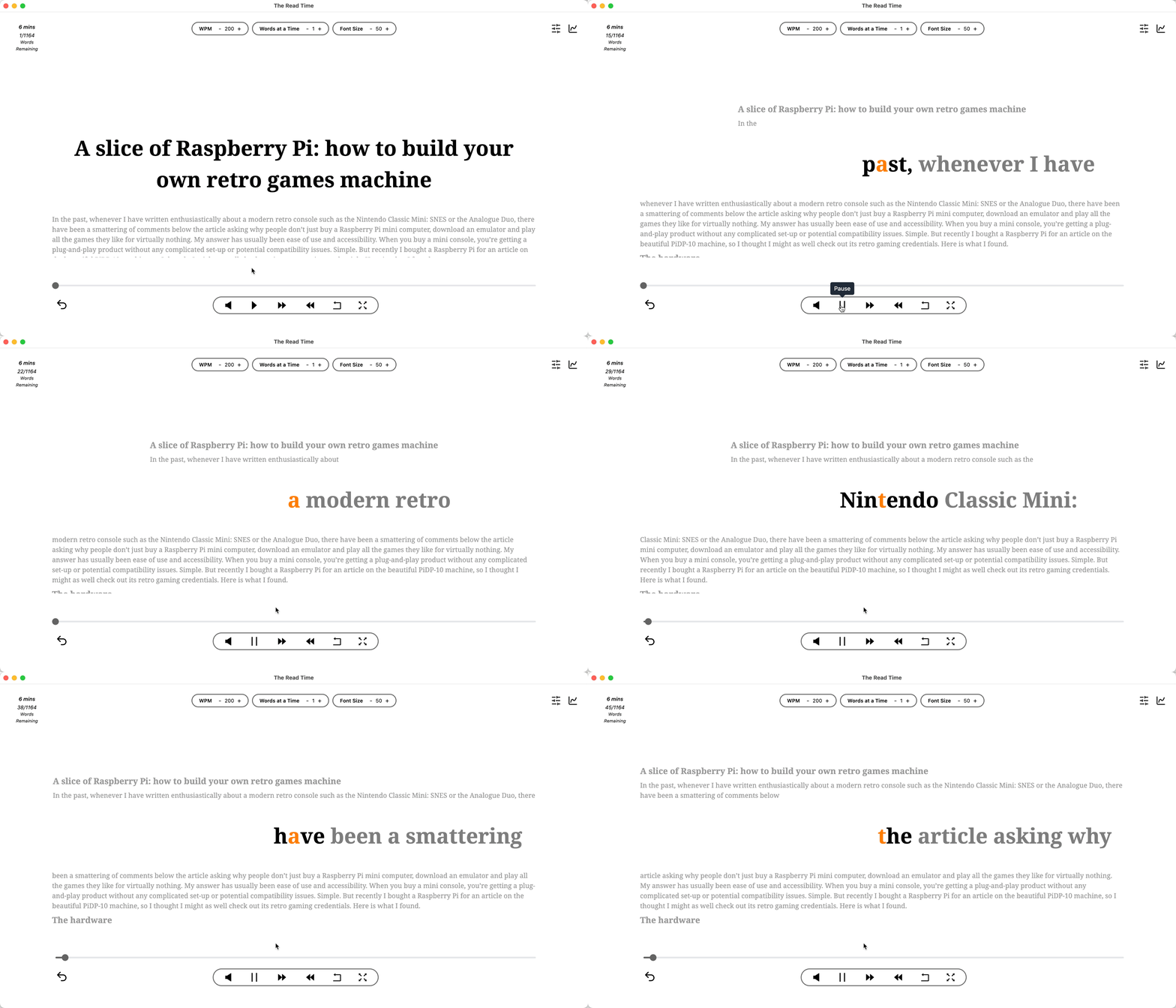
Remove ads, set your preferred reading speed, enable or disable voice & play away!

Supports Multiple Formats
Speed read across websites, emails or any text you can copy & paste. Plus users can speed read PDFs and ePubs.
Read Your Way
Breeze through articles when focused in speed read mode or switch to read mode for a traditional reading experience.
Listen While You Work
Listen to text in the background while doing other computer tasks. Play 4-5 articles weekly as a free user.
More on Speed Reading...
What is speed reading?
Speed reading is a collection of techniques designed to increase your reading rate while maintaining comprehension. The average adult reads at approximately 238 words per minute for silent reading, according to a comprehensive meta-analysis of over 100 studies involving more than 18,000 participants (Marc Brysbaert, 2019). Speed reading techniques can help you exceed this average significantly, with practiced readers achieving 400-600 words per minute or more.
Speed reading works by training your brain to process text more efficiently, reducing habits that slow you down, such as subvocalization (silently pronouncing words) and regression (re-reading text unnecessarily).
What is Rapid Serial Visual Presentation technology?
RSVP, or Rapid Serial Visual Presentation, is a speed reading technique where text is displayed one word (or small chunk of words) at a time in a fixed position on the screen. Instead of your eyes moving across lines of text, the words come to you at a controlled pace.
This method eliminates two major bottlenecks in traditional reading:
1. Saccadic eye movements: The quick jumps your eyes make between words consume time and mental energy. RSVP removes this entirely.
2. Regression: The unconscious habit of re-reading words or lines. With RSVP, text flows forward continuously, breaking this pattern.
Our chrome extension uses RSVP technology to help you speed read any webpage, allowing you to adjust the words per minute (WPM) value to match your comfort level and gradually increase your reading speed over time.
Does speed reading reduce comprehension?
Not necessarily. While reading extremely fast may sacrifice comprehension, reading at speeds of 400-600 WPM can actually improve focus without comprehension loss for many readers.
Here's why: at slower speeds, your mind has time to wander. You might re-read sentences, daydream, or lose track of the content. Speed reading forces active engagement with the text, keeping your brain focused on processing information rather than drifting.
The key is finding your optimal speed—fast enough to maintain focus, but not so fast that you miss important details. Our speed reading software lets you experiment with different speeds and chunk sizes to find what works best for you. You can also use our free reading speed test to measure comprehension level at your current reading speed.
What is subvocalization & does it limit reading speed?
Subvocalization is the habit of silently pronouncing words in your head as you read. While this helps with comprehension for complex material, it artificially limits your reading speed to roughly the pace of speech — around 150-200 words per minute.
Research shows that the average oral reading speed is 183 words per minute (Brysbaert, 2019). If you subvocalise everything, you're essentially capping your reading speed near this limit.
Speed reading techniques, particularly RSVP, help reduce subvocalization by presenting words faster than you can "speak" them internally. Over time, your brain learns to process text visually without the inner voice, unlocking significantly faster reading speeds.
How much time can you save speed reading?
| Content Type | Average Reading Speed (238 wpm) | Speed Reading (400 wpm) | Time Saved |
|---|---|---|---|
News Article (1000 words) | 4 min 12 secs | 2 min 30 secs | 1 min 42 secs |
| Long Form Article (3000 words) | 12 min 36 secs | 7 mins 30 secs | 5 min 6 secs |
| E-book Chapter (5000 words) | 21 mins | 12 min 30 secs | 8 min 30 secs |
| Complete Book (50000 words) | 3 hrs 30 mins | 2 hrs 5 mins | 1 hr 25 mins |
How does our speed reading software work?
The Read Time works by presenting text in an optimised format that naturally increases your reading speed. Our extension extracts content from any webpage, removes distractions like ads and sidebars, and displays the text using RSVP technology at your chosen speed.
You can customize your experience by adjusting:
1. Words per minute (WPM): Start at 200 WPM and work your way up to 600+ as you become more comfortable.
2. Chunk size: Display 1, 2, or more words at a time to match your skill level.
3. Font and theme: Choose settings that reduce eye strain and improve focus.
4. Text-to-speech: Enabling voice narration can reinforce comprehension at elevated reading speeds but please note that speech remains intelligible only up to about 400 wpm.